Fiber-to-the-Building (FTTB)

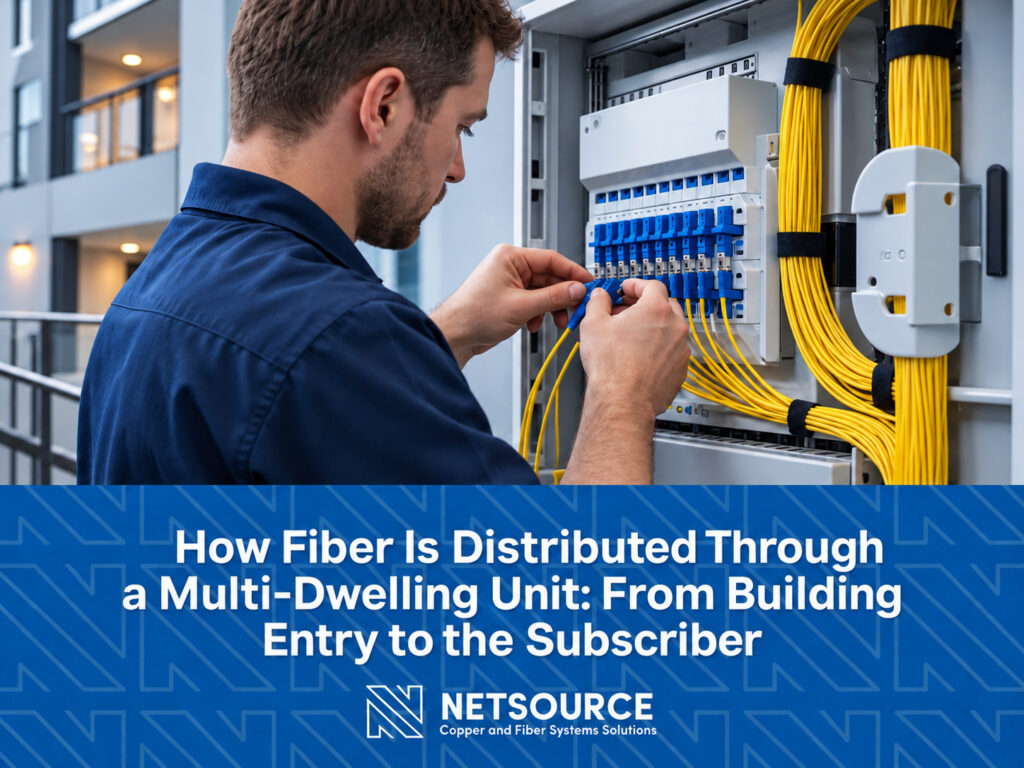
Fiber optic technician installing connections in MDU. How Fiber Is Distributed Through a Multi-Dwelling Unit.
MDU Fiber, Access Networks and Multi-Dwelling Units (MDUs), Fiber-to-the-Building (FTTB), USA-Based Cable Manufacturers

How Fiber Is Distributed Through a Multi-Dwelling Unit: From Building Entry to the Subscriber

Bringing fiber service to a multi-dwelling unit is only the beginning of the installation. Once the network reaches the property, fiber still has to move from the outside plant into the building, through shared distribution areas, vertically between floors, and eventually to an individual subscriber. Each transition introduces decisions about cable type, termination, splitting, enclosure placement, accessibility, and future expansion. Those decisions matter because apartment buildings, condominiums, mixed-use properties, and other MDUs rarely offer the clean pathways found in purpose-built data centers or telecom facilities. NetSource works with broadband providers and network designers on MDU fiber solutions ranging from building-entry enclosures and distribution hardware to pre-terminated trunks, pushable and pullable assemblies, and subscriber connectivity. Understanding how those pieces fit together is the first step toward designing an installation that can be deployed efficiently and maintained after the initial build. Think of MDU Fiber as a Series of Handoffs An MDU fiber installation is easier to understand when it is divided into the physical transitions the fiber makes through the property. In a typical building, those transitions include: Outside plant to inside plant at or near the building entrance Building distribution to the vertical riser system Riser fiber to floor-level or zone-level distribution Building infrastructure to the individual subscriber The exact architecture varies from property to property, but those handoffs recur. A high-rise apartment building may use a centralized distribution enclosure, vertical risers, and terminals serving individual floors. A smaller building may allow subscriber drops to run directly from a central location. Garden-style properties may require a different approach because multiple buildings or entrances may share a common distribution point. The best design is therefore not simply the one with the right fiber count. It is the one that accounts for how fiber physically moves through that particular property.   Step 1: Bringing the Network Into the Building The first transition occurs where the outside-plant fiber reaches the MDU. This area commonly serves as the demarcation between the provider network and the building’s internal fiber infrastructure. Depending on the property, the transition may occur in an outdoor enclosure, building entrance facility, basement, telecommunications room, or utility area. This point has several jobs. The incoming fiber needs to be protected and organized. Outside plant cabling may need to transition to an indoor-rated cable. Splices, connectors, or optical splitters may also need to be housed in a location that technicians can reach later without disturbing unrelated infrastructure. Enclosure selection becomes important here because capacity is only one consideration. Installation environment, cable entry, splice management, connector configuration, security, and future access all influence the choice. NetSource offers MDU enclosures for this part of the network, including configurations that support patching, splicing, splitters, and transitions between outside plant and inside plant cabling. Step 2: Establishing the Building Distribution Point Once fiber enters the building, the next question is how the service will be distributed to the subscribers. Medium and larger MDUs commonly use a centralized distribution point in a basement, utility room, or other shared space. From there, fibers can be routed toward individual floors, zones, or units. This is where the architecture begins to affect future operations. A distribution point that is sized only for the first group of subscribers may be difficult to expand later. On the other hand, installing hardware for every theoretical future connection can add unnecessary cost and complexity. Designers, therefore, need to consider more than just the number of units in the building. They also need to consider expected take rates, splitter architecture, available pathway space, technician access, and how additional subscribers will be activated over time. A well-planned distribution point gives the network room to grow without turning every future connection into a reconstruction project. Step 3: Moving Fiber Between Floors Vertical distribution can be one of the more challenging parts of an MDU fiber installation. The building itself often dictates what is practical. Existing risers may already be crowded. Conduits can be small, discontinuous, or difficult to access. Historic buildings may offer few usable pathways, while newer construction may provide dedicated telecom spaces. There is no single cable strategy that fits all of those situations. Pre-terminated multi-fiber trunks can move large fiber counts efficiently between central distribution points and other areas of the building. Because connectors are installed and tested before the assembly reaches the jobsite, pre-terminated trunks can reduce the amount of field termination required during installation. Other projects may favor ruggedized bulk fiber followed by field splicing. For constrained pathways, pushable or pullable fiber assemblies can offer an alternative. NetSource offers compact assemblies using bend-insensitive single-mode fiber that can be routed through small pathways before the connector housing is completed at the installation end. The meaningful distinction is not simply pre-terminated versus field-terminated fiber. The better question is which installation method reduces field work while fitting the pathways the building actually provides.   Step 4: Transitioning From the Riser to the Floor In larger buildings, fiber traveling vertically through the property eventually needs to branch toward subscribers. Floor-level terminals or intermediate distribution points provide that transition. Depending on the building layout and subscriber density, a terminal may serve a single floor, several adjacent floors, or a specific building zone. The riser fiber reaches that point, and smaller horizontal runs continue toward individual units. This transition deserves attention during design because it affects both installation and maintenance. Placing all connections at one distant central location can increase horizontal cable runs and make troubleshooting cumbersome. Adding too many intermediate locations increases the amount of hardware to manage. The right balance depends on the building. Good MDU fiber design, therefore, considers technician access as part of the architecture. A network still needs to be understandable several years after construction, when someone arrives to activate a new subscriber or diagnose a connection they did not originally install. Step 5: Reaching the Subscriber The final section of the network connects shared building infrastructure to the living unit or individual premise. In larger MDUs, horizontal drop cables may run from a floor-level

OptiTap® Cables, Access Networks and Multi-Dwelling Units (MDUs), Broadband Networks, Fiber-to-the-Building (FTTB), Fiber-to-the-Curb (FTTC):, Fiber-to-the-Home (FTTH)

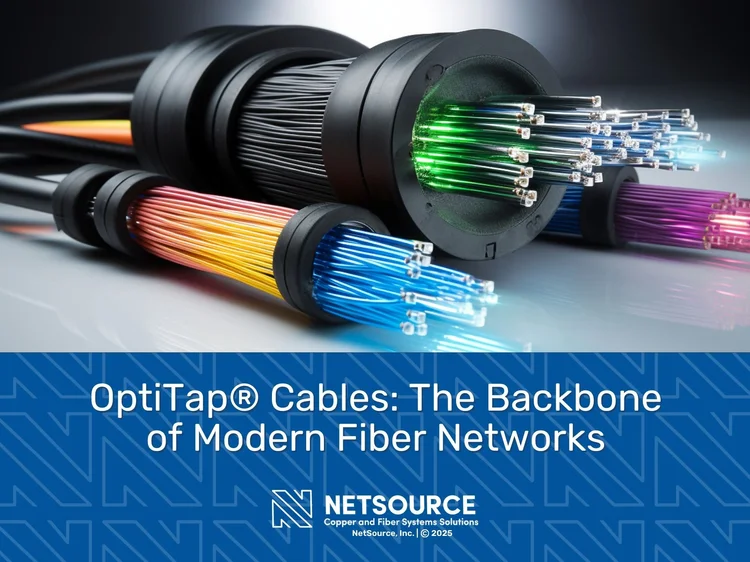
OptiTap® Cables: The Backbone of Modern Fiber Networks

OptiTap® Cables: The Backbone of Modern Fiber Networks Introduction As the demand for high-speed internet and reliable data transmission grows, fiber optic technology has become the preferred solution for broadband networks. OptiTap® cables, specifically designed for Fiber-to-the-Home (FTTH) and Fiber-to-the-Building (FTTB) applications, provide a quick and efficient method for deploying fiber optic connections. These cables, known for their durability and ease of installation, play a critical role in modernizing network infrastructure and expanding broadband accessibility. What Are OptiTap® Cables?  OptiTap® cables are fiber optic cable assemblies designed for rapid and secure connections in broadband networks. With over 20 years of proven technology in the field, these cables feature an SC/APC connector encapsulated in a hardened shell, ensuring durability and reliability in harsh environmental conditions. OptiTap® technology streamlines network installations and reduces labor costs while maintaining high-performance fiber optic transmission. Key Features of OptiTap® Cables Versatile Configurations:  OptiTap® cables are available in multiple configurations to support various network requirements. OptiTap® to OptiTap® cables directly connect to multiport terminals for seamless plug-and-play functionality. OptiTap® to SC, LC, or PUSHLOCK configurations allow connectivity to standard fiber distribution points. OptiTap® to blunt cables are designed for splicing or field connector termination, providing flexibility for custom installations. Depending on the configuration, these cables will either mate directly with terminals or require splicing for field termination. Weatherproof and Durable: With an IP68 rating, OptiTap® cables are protected against water and dust ingress. They are designed for outdoor applications, making them suitable for aerial, buried, or pedestal-mounted installations. High-Speed Performance: These cables offer low insertion loss and high signal integrity, ensuring seamless data transmission. They are optimized for Gigabit Passive Optical Networks (GPON) and Active Ethernet (AE) applications. Corning-Compatible Technology: NetSource provides Corning-compatible OptiTap® cable assemblies, ensuring seamless integration with existing Corning OptiTap® infrastructure. Applications of OptiTap® Cables Broadband Networks OptiTap® cables are a critical component in broadband infrastructure, enabling Internet Service Providers (ISPs) to expand fiber access for residential subscribers, businesses, and rural communities. Their durable, weather-resistant design ensures long-term reliability in aerial, buried, and pedestal-mounted installations. Rural Broadband Expansion: As part of efforts to bridge the digital divide, ISPs use OptiTap® cables to extend fiber connectivity to underserved rural communities. Their weatherproof construction withstands harsh conditions, ensuring long-term network performance and reduced maintenance costs in remote locations. Fiber-to-the-Building (FTTB): Used in commercial buildings and multi-tenant complexes, OptiTap® cables provide dedicated fiber connections that enhance network stability, bandwidth capacity, and scalability. These cables connect to outdoor distribution points before transitioning to indoor fiber distribution panels or ONTs for service delivery within the building. Fiber-to-the-Curb (FTTC): OptiTap® cables extend fiber to a distribution point near the subscriber’s location, typically in a pedestal, handhole, or small enclosure. From there, fiber is extended to the premises as part of an FTTH transition, ensuring high-speed connectivity. Their environmental durability ensures long-lasting performance while enabling a seamless fiber path to the home. Fiber-to-the-Home (FTTH): OptiTap® cables terminate at a Network Interface Device (NID) on the subscriber’s premises, typically mounted on an exterior wall or placed in a pedestal or handhole. From the NID, fiber enters the building and connects to an Optical Network Terminal (ONT) or indoor fiber distribution panel, ensuring seamless high-speed broadband access. Outdoor and Harsh Environments Designed for use in outdoor enclosures, pedestals, and aerial or buried applications where quick and reliable fiber connections are needed. 5G and Small Cell Deployments Provides high-speed, low-latency fiber connectivity for small cell sites and 5G backhaul, supporting next-generation wireless networks. Utility and Smart Grid Networks Enables secure and durable fiber connections for power utilities, transportation systems, and smart grid applications. Access Networks and Multi-Dwelling Units (MDUs) OptiTap® cables serve as the backbone for connecting MDUs to the broader fiber network. These cables interface with multiport terminals outside the building, providing high-speed connectivity to fiber distribution hubs (FDHs) or patch panels within the MDU. While OptiTap® connectors streamline deployment, indoor-rated fiber patch panels or FDHs are typically used inside the MDU for structured cabling solutions. Multiport terminals allow for easy scalability, enabling seamless future network expansions. Benefits of OptiTap® Cables Faster Deployment Traditional fiber optic installations often involve extensive splicing and labor-intensive processes. OptiTap® cables, when pre-terminated, feature a plug-and-play design that significantly reduces installation time and simplifies network expansion. By minimizing field splicing, these cables help ISPs accelerate broadband deployments while ensuring reliable connectivity. Cost Savings OptiTap® assemblies help reduce overall deployment costs by minimizing labor and equipment expenses associated with traditional fiber installations. Pre-Terminated OptiTap® Assemblies: These plug-and-play solutions eliminate the need for fusion splicing in the field, reducing reliance on expensive splicing equipment and highly skilled technicians. Faster installations translate to lower labor costs, shorter project timelines, and increased service activation rates for ISPs. Stubbed  OptiTap® Assemblies: While some deployments require field splicing, OptiTap® cables still reduce material waste and streamline installation compared to fully custom-built fiber runs. Pre-cut lengths and factory-polished connectors reduce on-site errors and rework, leading to cost-effective scalability in broadband rollouts. Reducing equipment costs, labor requirements, and installation time, OptiTap® assemblies offer a more efficient and cost-effective solution for fiber network expansion. Enhanced Reliability Factory-terminated connectors minimize insertion loss and improve network stability. The rugged construction of OptiTap® cables ensures long-term durability. Scalability and Flexibility As broadband demands increase, OptiTap® networks can be easily expanded by adding multiport terminals and additional drop cables. This modularity ensures future-proof network infrastructure. Minimal Maintenance With high resistance to environmental factors, OptiTap® cables require minimal maintenance compared to traditional fiber optic installations. How OptiTap® Cables Improve FTTH and Broadband Networks Simplifying Installations OptiTap® cables provide faster, more efficient fiber deployments by reducing the need for extensive field splicing. Pre-terminated options allow technicians to simply plug in the connectors, eliminating time-consuming splicing and fiber preparation. For configurations requiring splicing, factory-prepared cables reduce errors and simplify on-site termination, ensuring consistent and reliable installations. Enhancing Network Performance Designed for low-loss optical transmission, OptiTap® cables ensure minimal signal degradation over long distances. This makes them ideal for high-bandwidth applications, including video streaming,

Scroll to Top